EffectCraft: Free, open-source motion graphics in your browser
Keyframes, 306 effects, expressions and 3D cameras, laid out the way After Effects users expect. Open EffectCraft in seconds, render MP4 or ProRes, or export Lottie for the web.
Renders to
What is EffectCraft
What is EffectCraft?
EffectCraft is an open-source motion graphics app for animated titles, lower thirds and compositing: the work people open After Effects for. You build a composition from solids, shapes, text, footage and nested comps, animate it with keyframes and expressions, stack effects and render it.
The panels, keyframes and shortcuts follow After Effects, and Lottie import and export are built in, with no plug-in. It is free, with no account, and the same engine runs as a web app, so the EffectCraft on this site is the full app in your browser. Your footage never leaves your computer.
- 1.
After Effects’ layout
Project, Timeline, Effect Controls and the same shortcuts.
- 2.
306 effects
All 298 of After Effects’ built-ins, with the same names.
- 3.
Lottie built in
Export JSON or .lottie, and import Lottie files.
- 4.
Open source
Free forever under MIT or Apache-2.0.
We tested it
EffectCraft review: what worked in our test
We opened the official demo in the EffectCraft hosted on this site and ran it through the jobs a motion designer checks first.
Tested · EffectCraft 0.6.0 · Chrome · Apple M5 Pro · 9 October 2026
- Works
Open the demo project
The 10-second “EffectCraft Intro” opened with its 8 layers ready to edit.
0.5 s
- Works
Render a 1080p frame
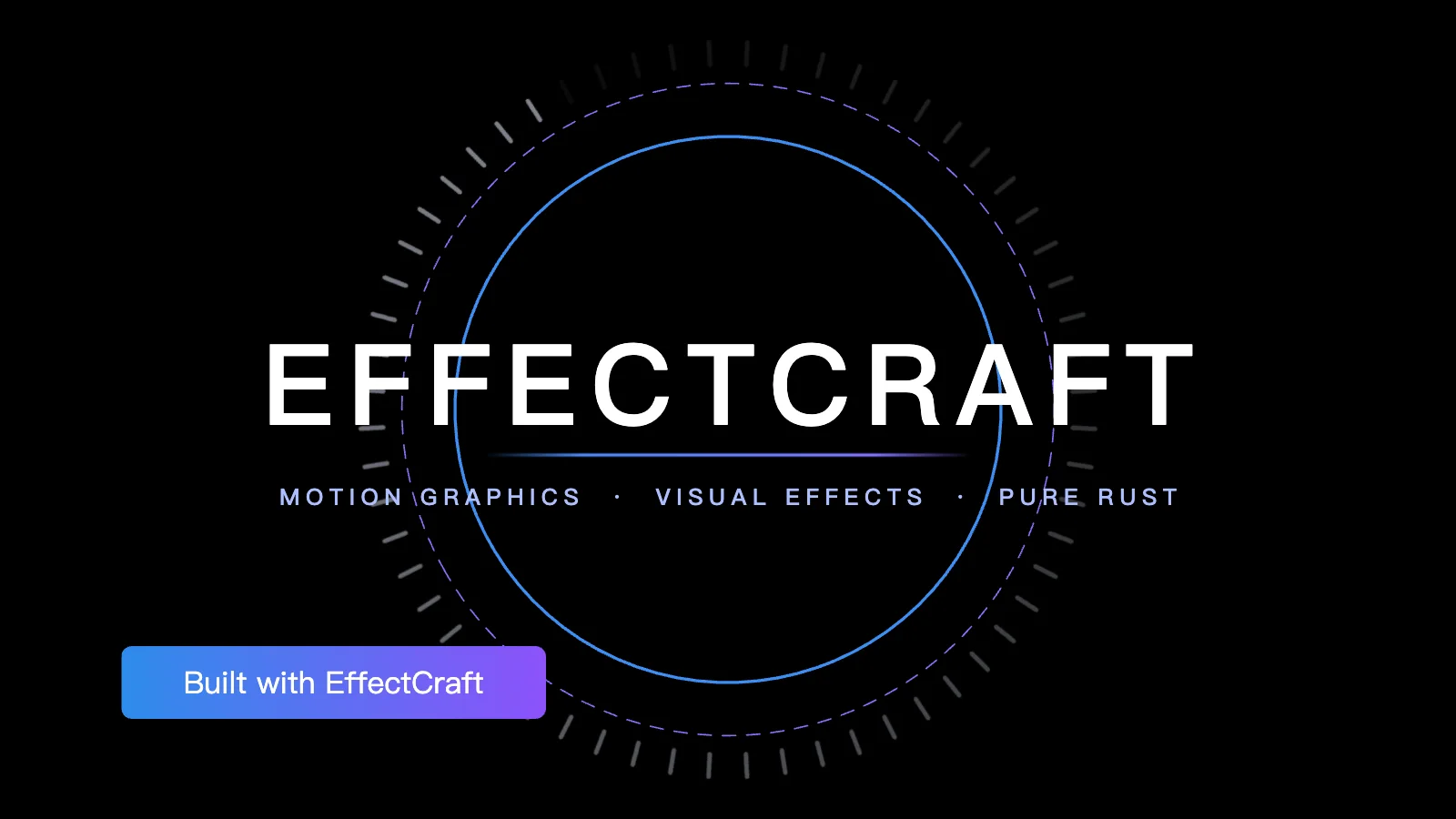
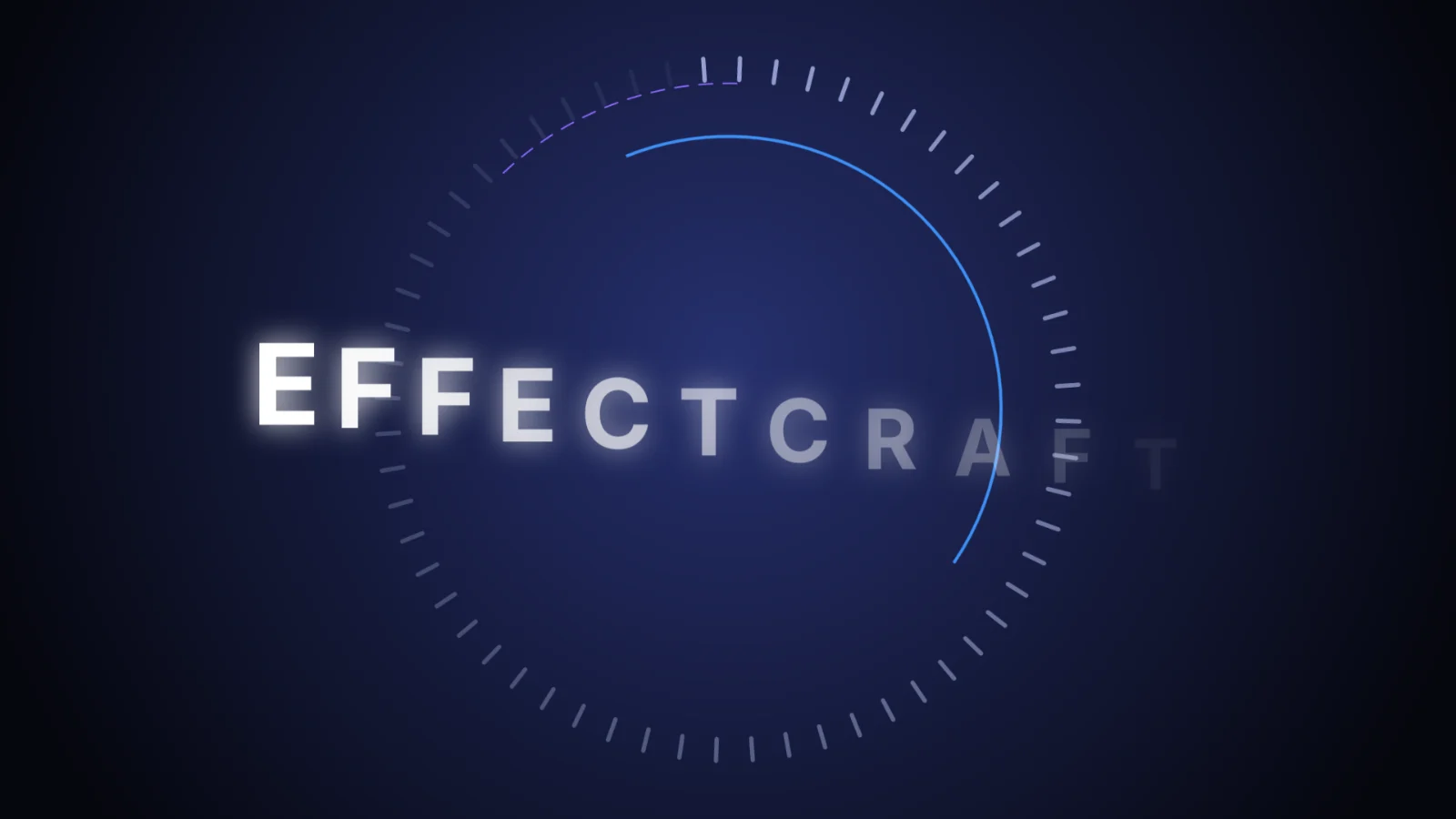
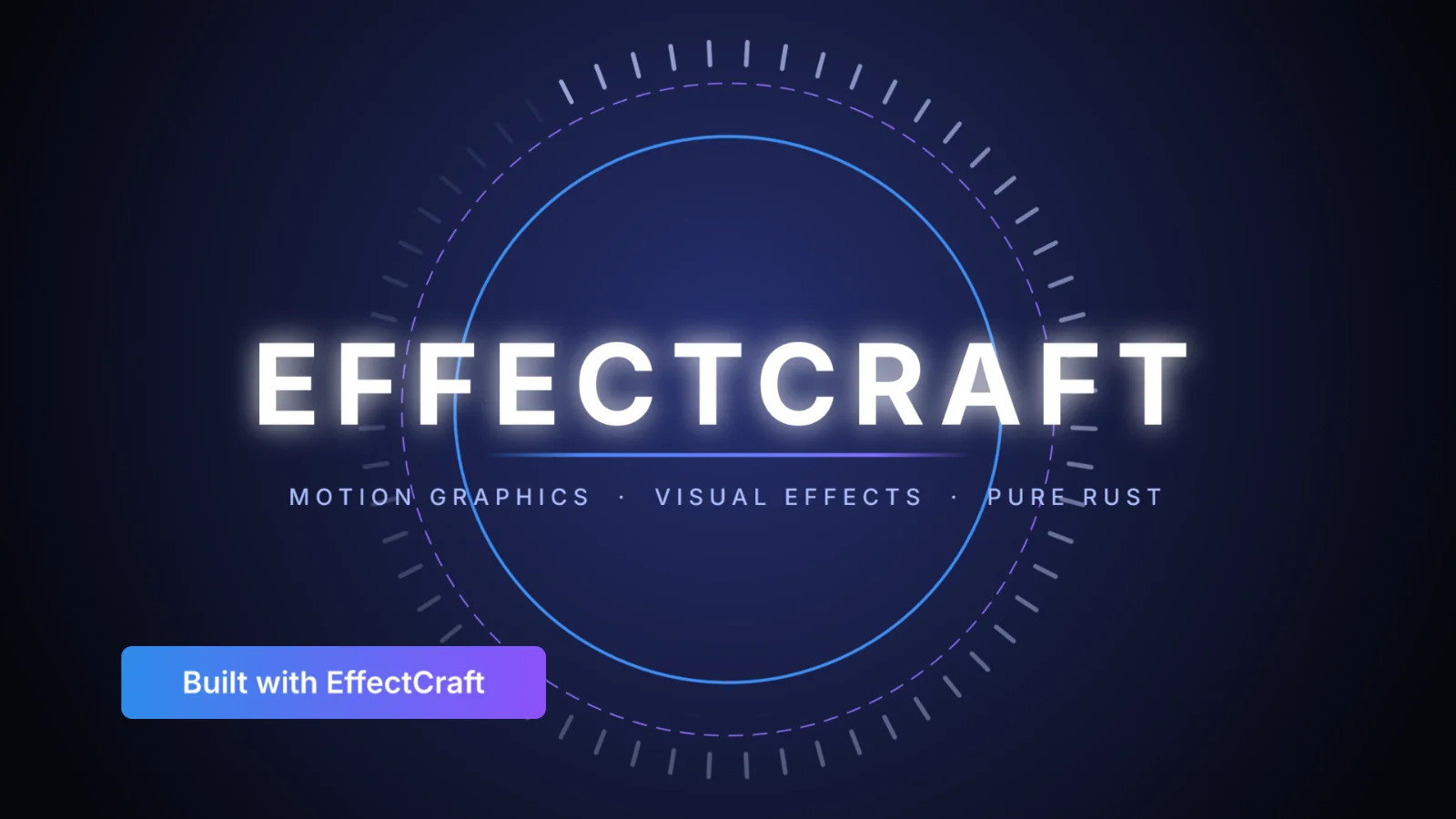
Glow, dashed rings and the type animator came out as on the timeline. The first frame took 0.9 s, the next ones 0.1 s each.
0.9 s
- Works with a caveat
Export the intro as Lottie
8.7 KB of JSON. EffectCraft listed the two things Lottie cannot carry: the glow on the title and the gradient background.
0.2 s
- Works
Play that Lottie in lottie-web
lottie-web 5.12.2 played all 300 frames, with every layer, the type and the lower third in place.
- Works
Import the Lottie back
It came back as a new composition, with no warnings.
2.0 s
- Works
Render H.264 MP4, 1080p, 10 seconds
300 frames at 15 Mbps: an 11.2 MB file that plays and seeks in Chrome.
44 s
- Does not work
Open an After Effects project (.aep)
Not supported. EffectCraft saves its own .ecproj format and cannot read .aep or .aepx files.
- Does not work
Run After Effects plug-ins
Not supported. Its own versions of the built-in effects stand in, but third-party plug-ins do not load.
We drove the web build through its own automation interface (window.effectcraft), the one AI agents use, in a single run. Times are from a fast laptop; a slower computer takes longer.
Lottie
Make Lottie animations without After Effects
Making Lottie has meant After Effects plus the Bodymovin plug-in. EffectCraft writes Lottie JSON or .lottie itself, and lists anything Lottie cannot express before you ship it.
- EffectCraft renderLottie in lottie-web
The demo intro at 6 seconds
Lottie export
What the Lottie export keeps
Exported to LottieLeft out, listed as a warning
Layers
- Shape layers: Exported to Lottie
- Solids and images: Exported to Lottie
- Text layers: Exported to Lottie
- Nulls and precomps: Exported to Lottie
Animation
- Eased and spatial keyframes: Exported to Lottie
- Masks and track mattes: Exported to Lottie
- Blend modes: Exported to Lottie
- Time remapping: Exported to Lottie
- Expressions (optional): Exported to Lottie
Effects
- Glow: Left out, listed as a warning
- Gradient Ramp: Left out, listed as a warning
- Other effects with no Lottie form: Left out, listed as a warning
Lottie has no way to describe most effects, so EffectCraft skips them and says which. To keep a font’s exact look, turn on Text as shapes when you export.
For After Effects users
EffectCraft vs After Effects
As an After Effects alternative, your keyframe and expression habits carry over. Your projects and plug-ins do not, yet.
| Feature | EffectCraftFree | Adobe After Effects |
|---|---|---|
| Price | Free forever | Monthly subscription |
| Runs on | Browser, Windows, macOS, Linux, FreeBSD | Windows and macOS |
| Built-in effects | 306, including all 298 of After Effects’ | 298 |
| Expressions | JavaScript with wiggle, loopOut and thisComp | Yes |
| Graph Editor, 3D cameras and lights | Yes | Yes |
| Lottie export | Built in | With the Bodymovin plug-in |
| Transparent video | ProRes 4444 and WebM with alpha | ProRes 4444 |
| Open .aep projects | No | Native |
| Third-party plug-ins | No | Yes |
| Maturity | First commit 1 October 2026; output not yet compared with After Effects | Mature, since 1993 |
Inside EffectCraft
Particles, 3D, graphs and a render queue
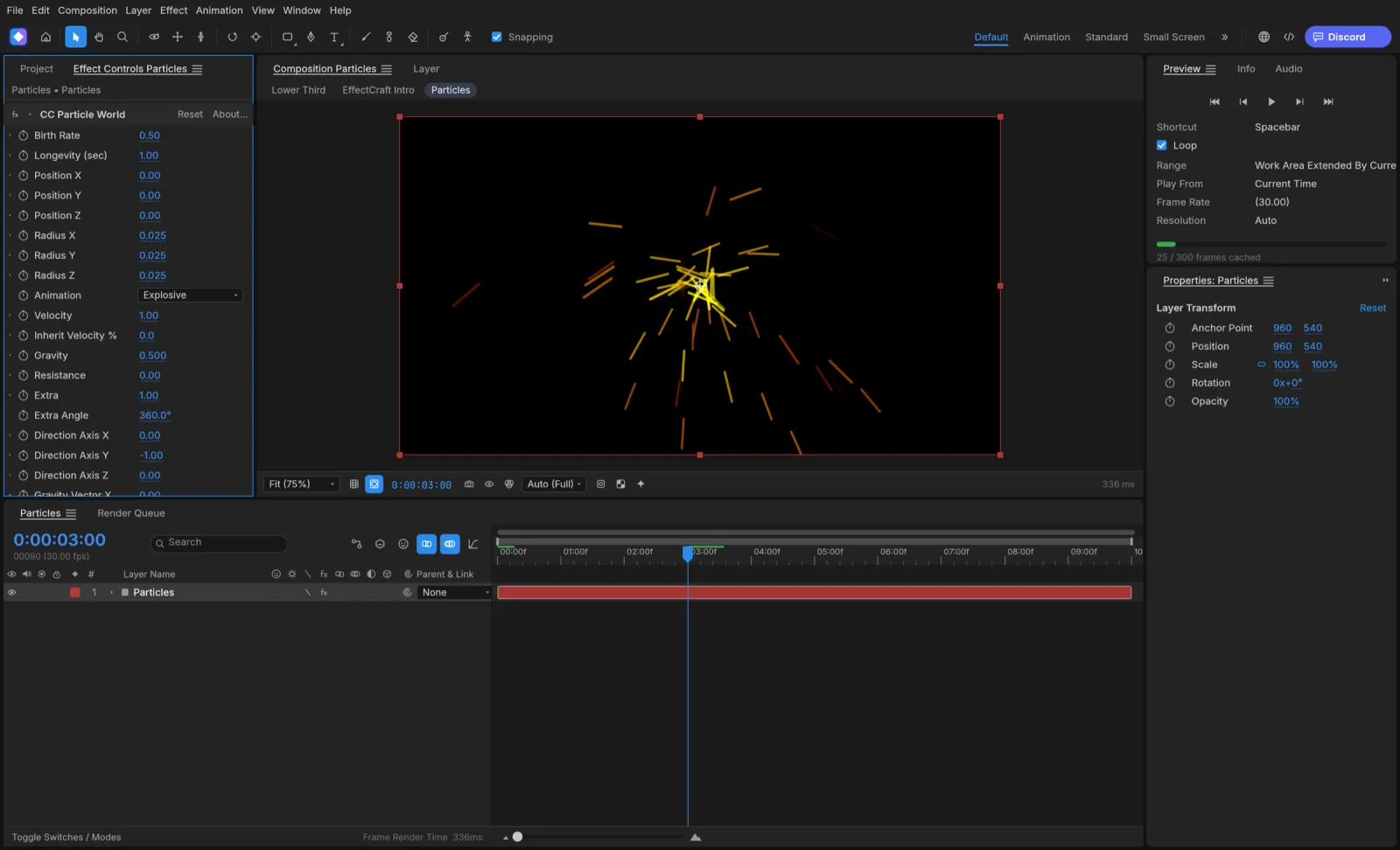
Four panels from the EffectCraft repository that show how far it already goes.
Effects
Simulation and glow
CC Particle World, Shatter, Card Dance and Wave World, with Glow and the nine Layer Styles.
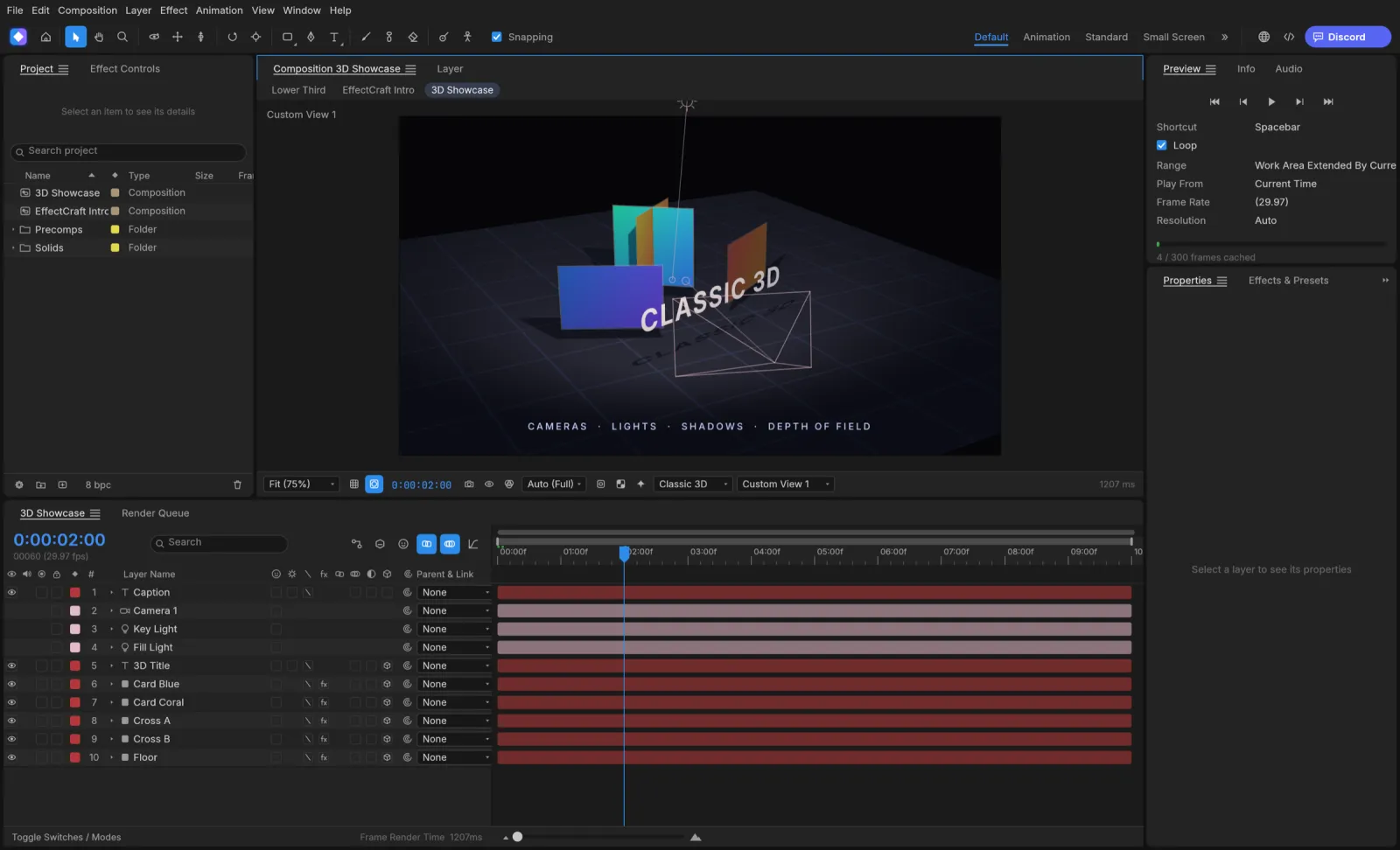
3D
Cameras and lights
Classic 3D layers, depth of field and soft ray-traced shadows.
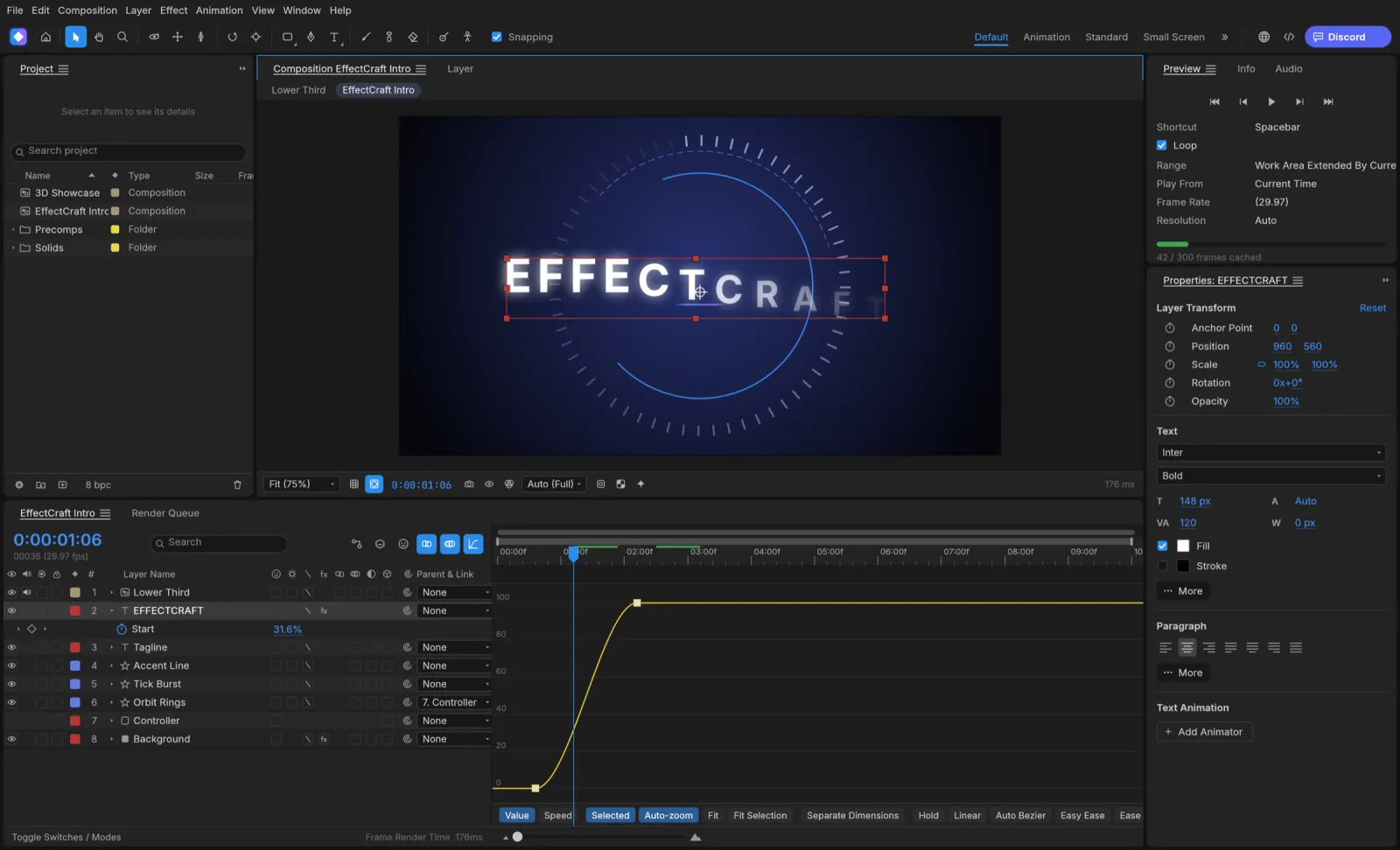
Keyframes
The Graph Editor
Value and speed graphs with draggable handles and Easy Ease.
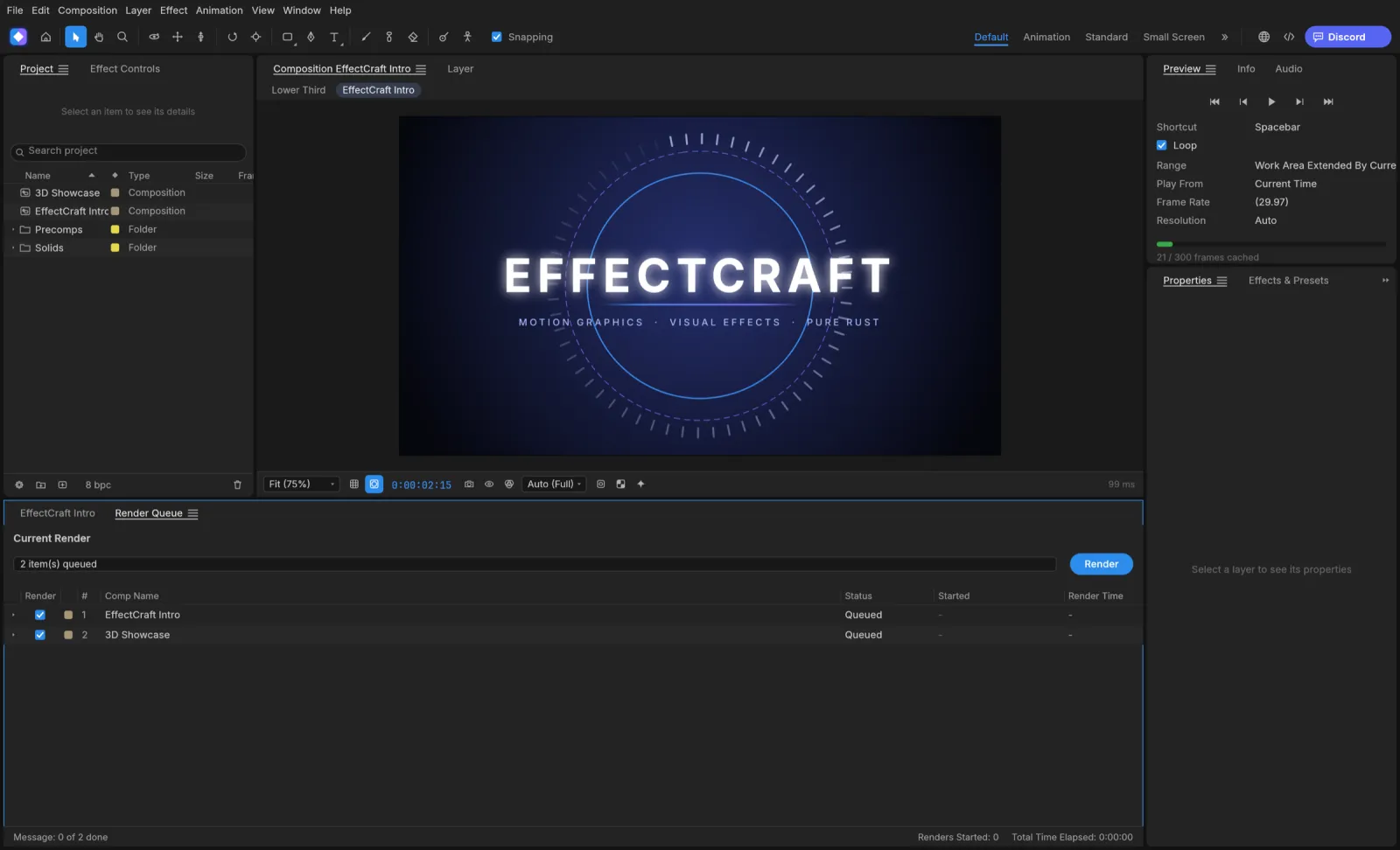
Output
A Render Queue like After Effects’
Render Settings, Output Modules and templates, and the same queue from the command line.
EffectCraft download
Every link is the official EffectCraft 0.6.0 build on GitHub. Prefer not to install anything? Open EffectCraft online instead.
| System | Main download | Also available |
|---|---|---|
| Windows (64-bit) | effectcraft-0.6.0-windows-x64.msi · 47.3 MB | portable ZIP · 62.7 MB, ARM64 and 32-bit |
| macOS (Apple silicon and Intel) | effectcraft-0.6.0-macos-universal.dmg · 58.6 MB | command-line tool · 56.1 MB |
| Linux (x86_64) | AppImage · 55.1 MB | .deb · 60.8 MB, .rpm · 60.4 MB, Flatpak · 38.6 MB |
| Linux (ARM64) | AppImage · 51.5 MB | .deb · 58.1 MB, Flatpak · 34.0 MB |
| FreeBSD 14 | tarball · 59.3 MB |
The Windows installers are code-signed, the Mac app is notarized by Apple, and SHA256SUMS.txt lists a checksum for every file.
Yes. EffectCraft is free and open source under MIT or Apache-2.0, with no account, no watermark setting to pay for and no subscription.
Yes. Open EffectCraft online and the full app runs in your browser through WebAssembly. Footage and projects stay on your computer; renders save as browser downloads.
No. It cannot read .aep or .aepx files, so a comp has to be rebuilt. Lottie files do import, which helps when the animation already exists as Lottie.
No. Third-party plug-ins do not load. EffectCraft ships its own versions of After Effects’ 298 built-in effects, CC Particle World and Lumetri Color among them.
Shape, solid, image, text and null layers, precomps, eased and spatial keyframes, masks, track mattes, blend modes, time remapping and, if you choose, expressions. Effects that Lottie cannot describe are skipped and listed as warnings.
Yes. ProRes 4444 in MOV and VP9 WebM both keep the alpha channel, and PNG or EXR sequences do too.
For compositing and motion graphics, yes. HitFilm was discontinued in January 2025 and gets no updates; EffectCraft covers its compositing side with keyframes, 3D, particles and keying, and pairs with FilmCraft for editing.
Linux gets AppImage, Flatpak, .deb and .rpm builds. On a Chromebook, or any machine where you cannot install software, use the online version in Chrome.
No. PhotoCraft Editor is an independent site that hosts the official EffectCraft web build and links to the official downloads. The project lives at getartcraft.com.
Start animating with EffectCraft
The full motion graphics app, free in your browser. Open the demo and press play.
Colophon
The renders and the Lottie file on this page come from our own test of EffectCraft 0.6.0. The interface screenshots are from the EffectCraft repository (MIT or Apache-2.0).
PhotoCraft Editor is an independent site. It is not affiliated with ArtCraft or Adobe. Adobe and After Effects are trademarks of Adobe Inc.