Thirteen apps, one family
The Crafting Apps, free and open source, online
The Crafting Apps are thirteen free, open-source apps from the ArtCraft team, each a rebuild of a paid app’s workflow, from Photoshop and Figma to Excel and AutoCAD. All thirteen run in your browser on this site, and your files stay on your computer.
Images and layout
Photos, raws, vectors, pages and screens
Five apps for still images and screens: edit, develop, draw, lay out and design interfaces.
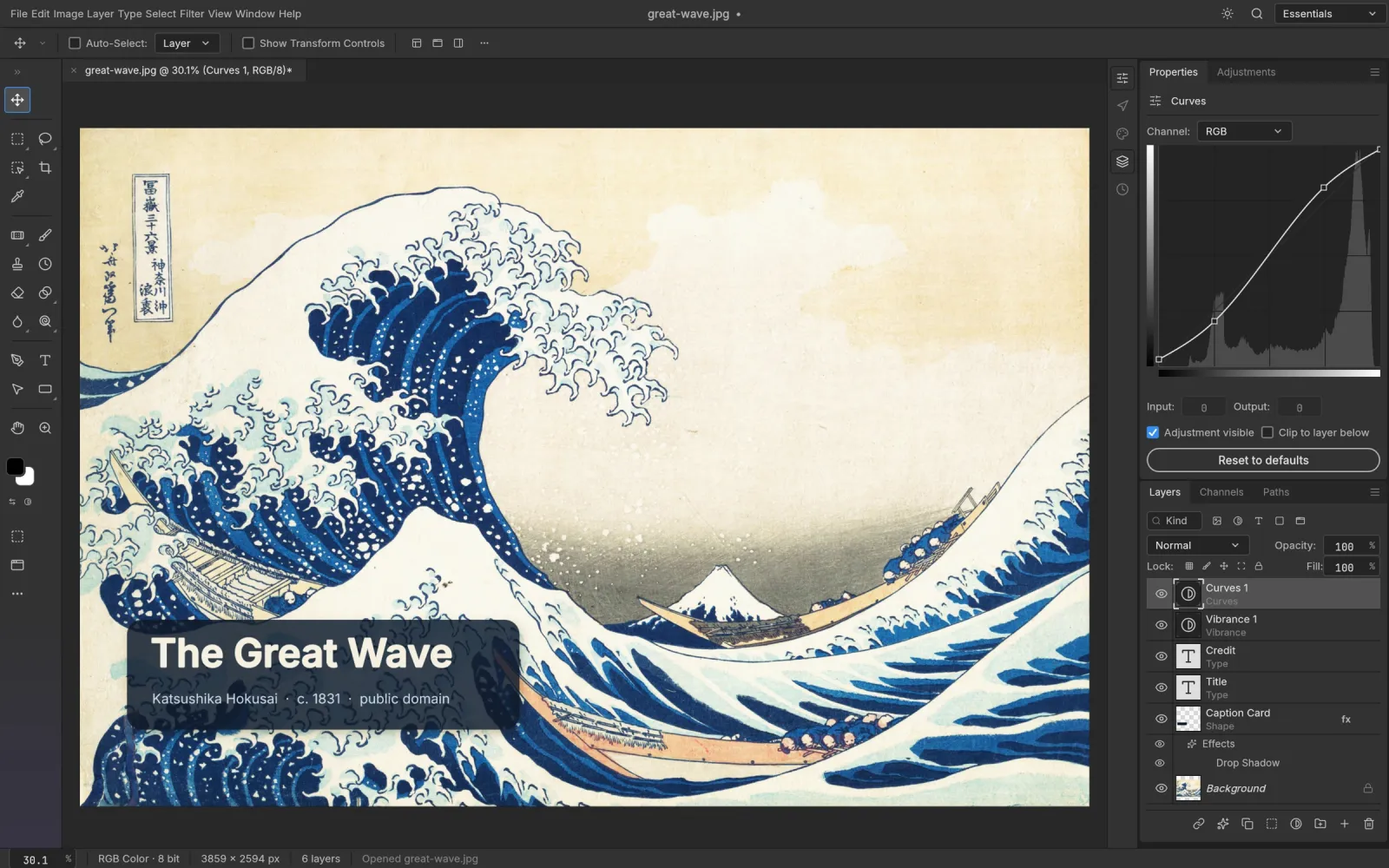
PhotoCraft
Layers, masks, type and real PSD files. The free Photoshop alternative.
v0.16.0 · Online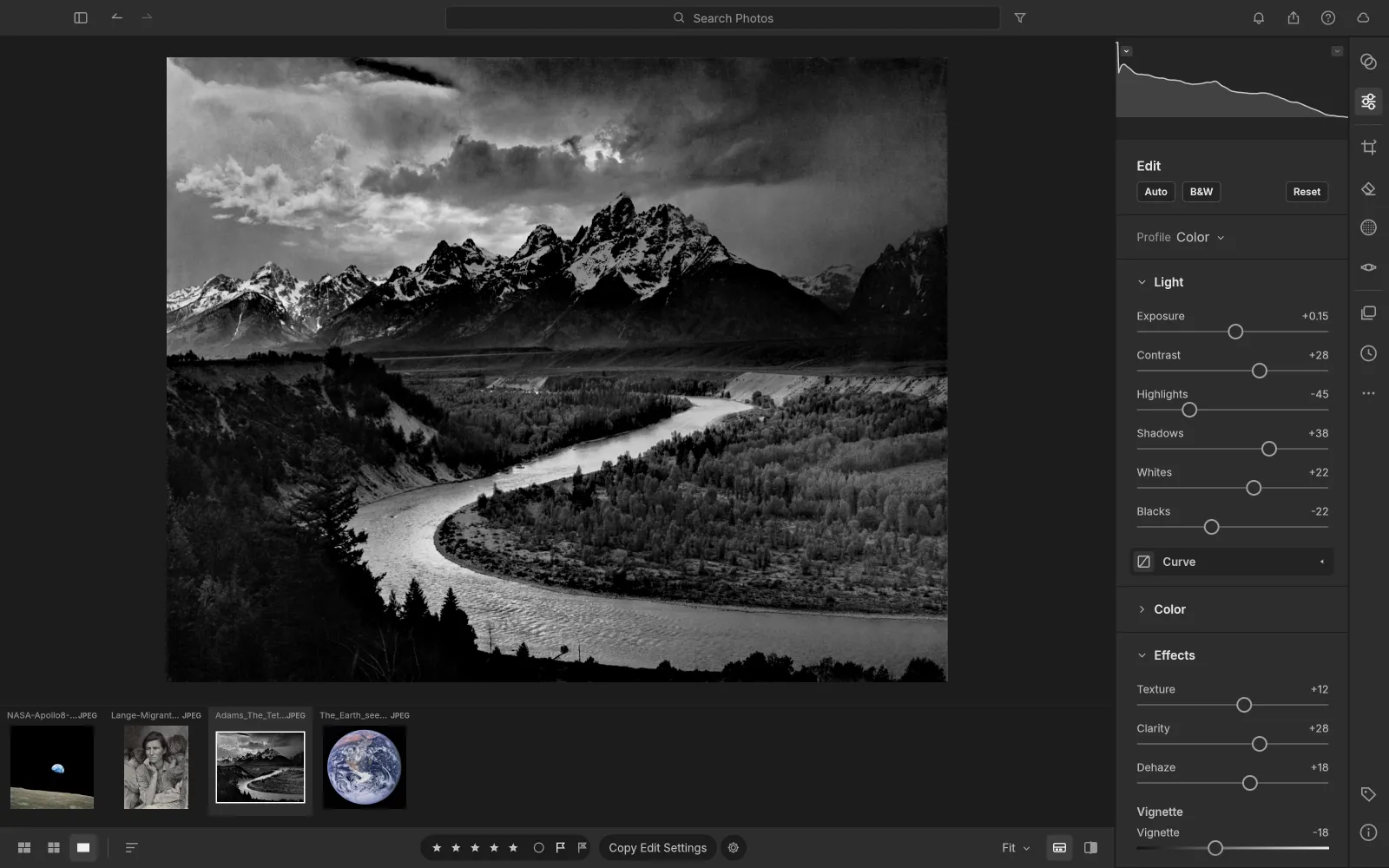
LightCraft
A photo library and raw developer. The free Lightroom alternative.
v0.14.0 · Online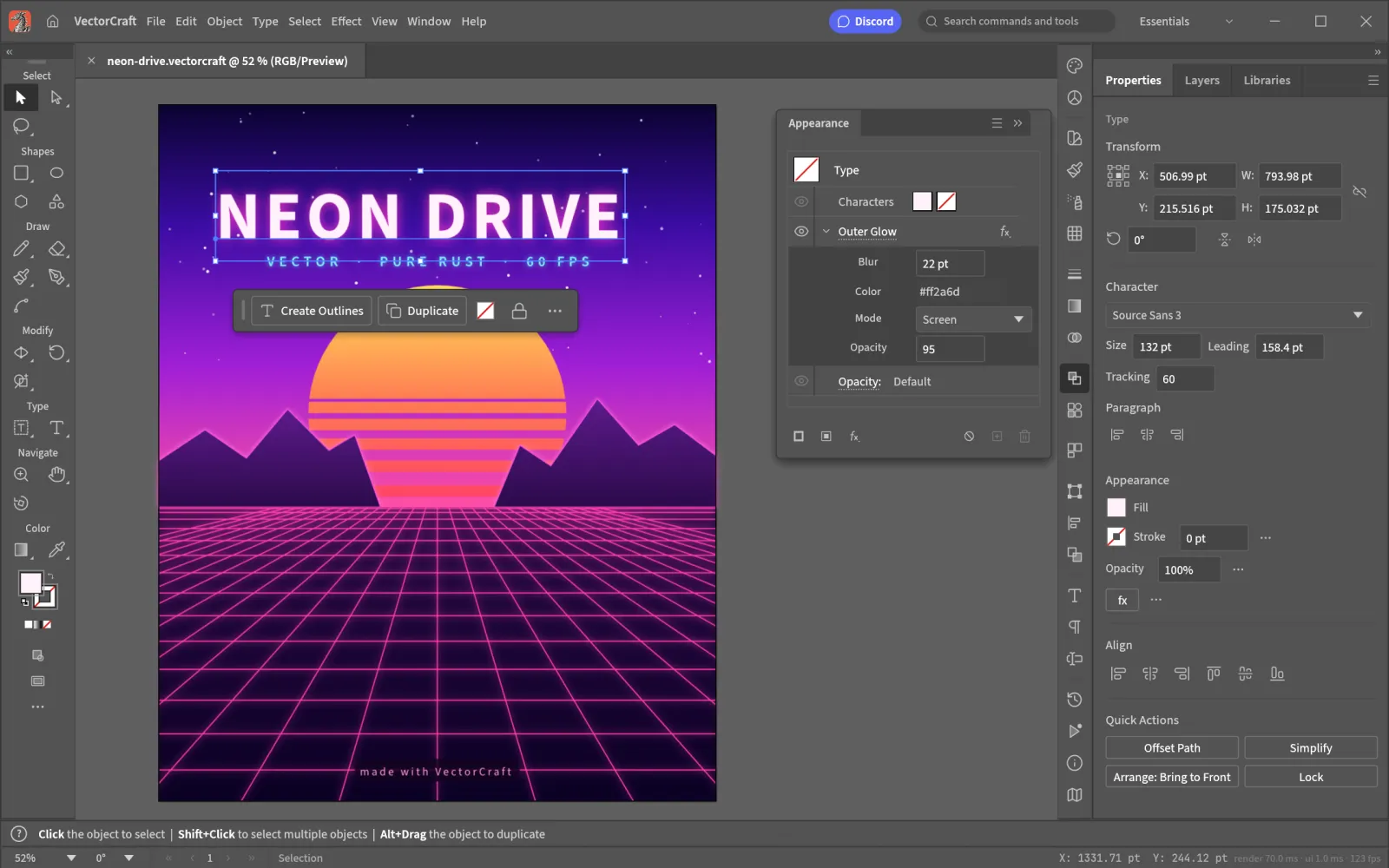
VectorCraft
The Pen tool, Pathfinder and SVG, PDF and AI files. The free Illustrator alternative.
v0.17.0 · Online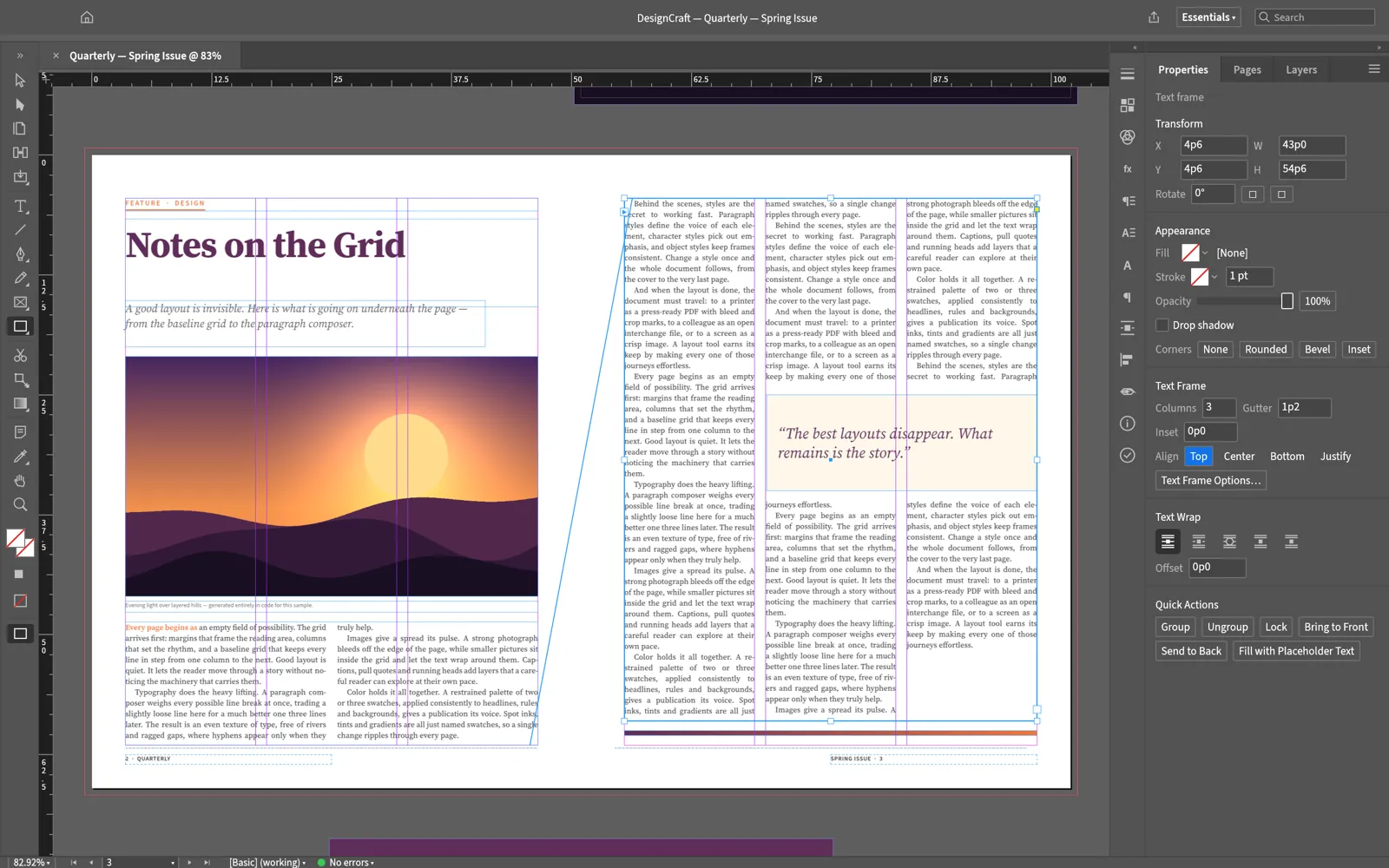
DesignCraft
Spreads, threaded text and IDML files. The free InDesign alternative.
v0.13.0 · Online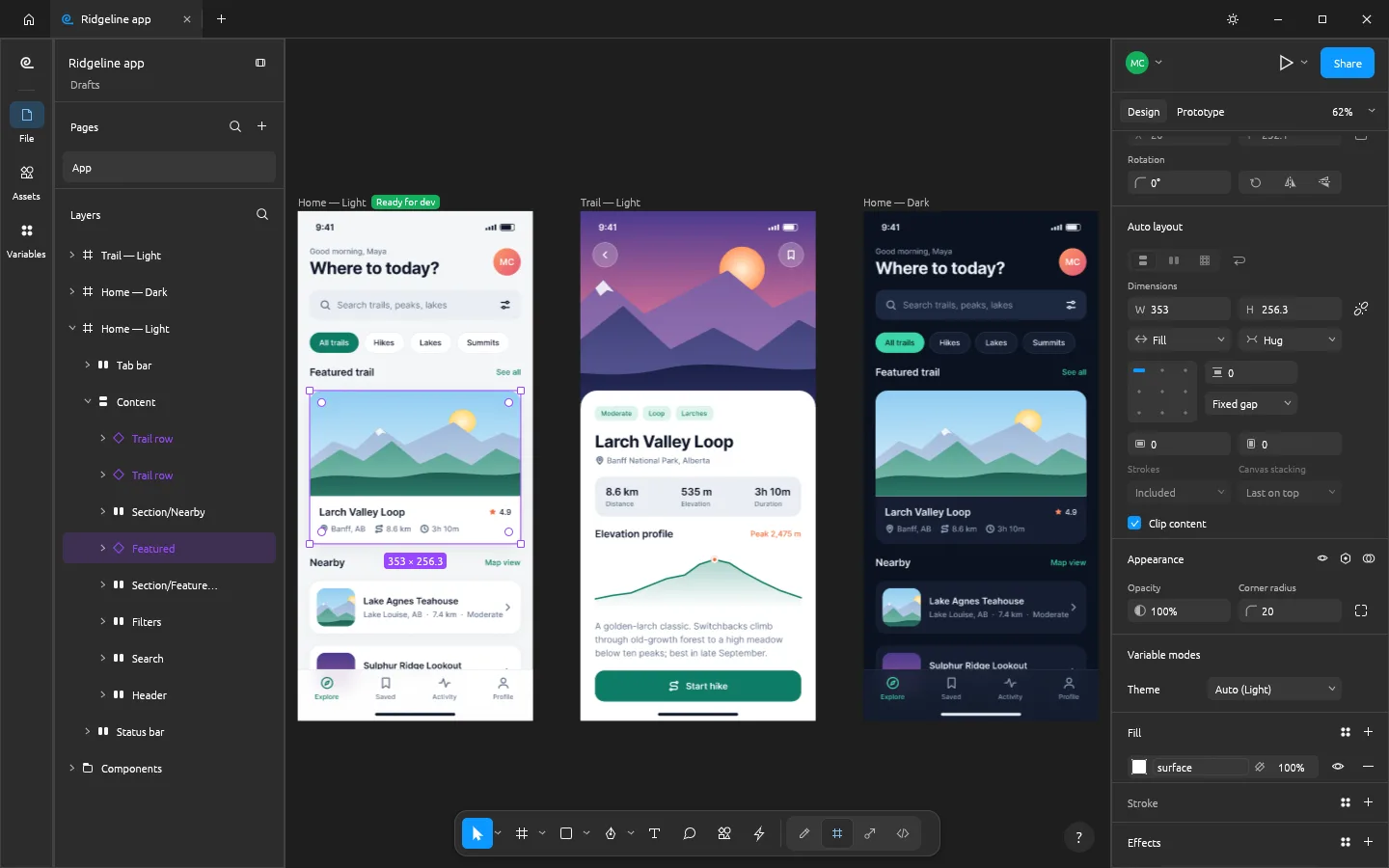
FigCraft
Auto layout, components, variables and prototypes. The free Figma alternative.
v0.11.2 · Online
Video, motion and PDF
Edits, animation and documents
Three apps for video, motion graphics and PDF files.
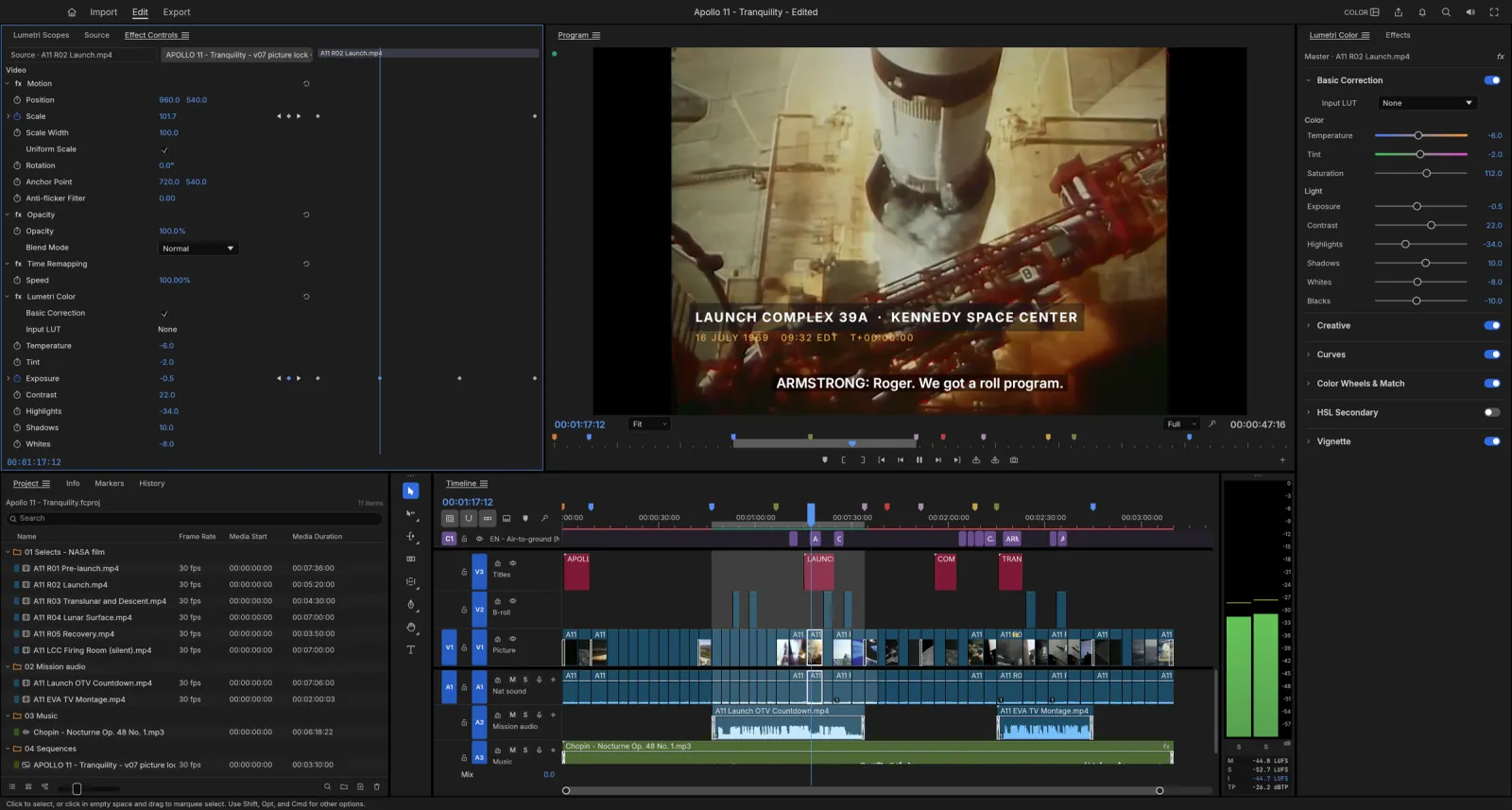
FilmCraft
A multi-track timeline, color and export. The free Premiere Pro alternative.
v0.13.0 · Online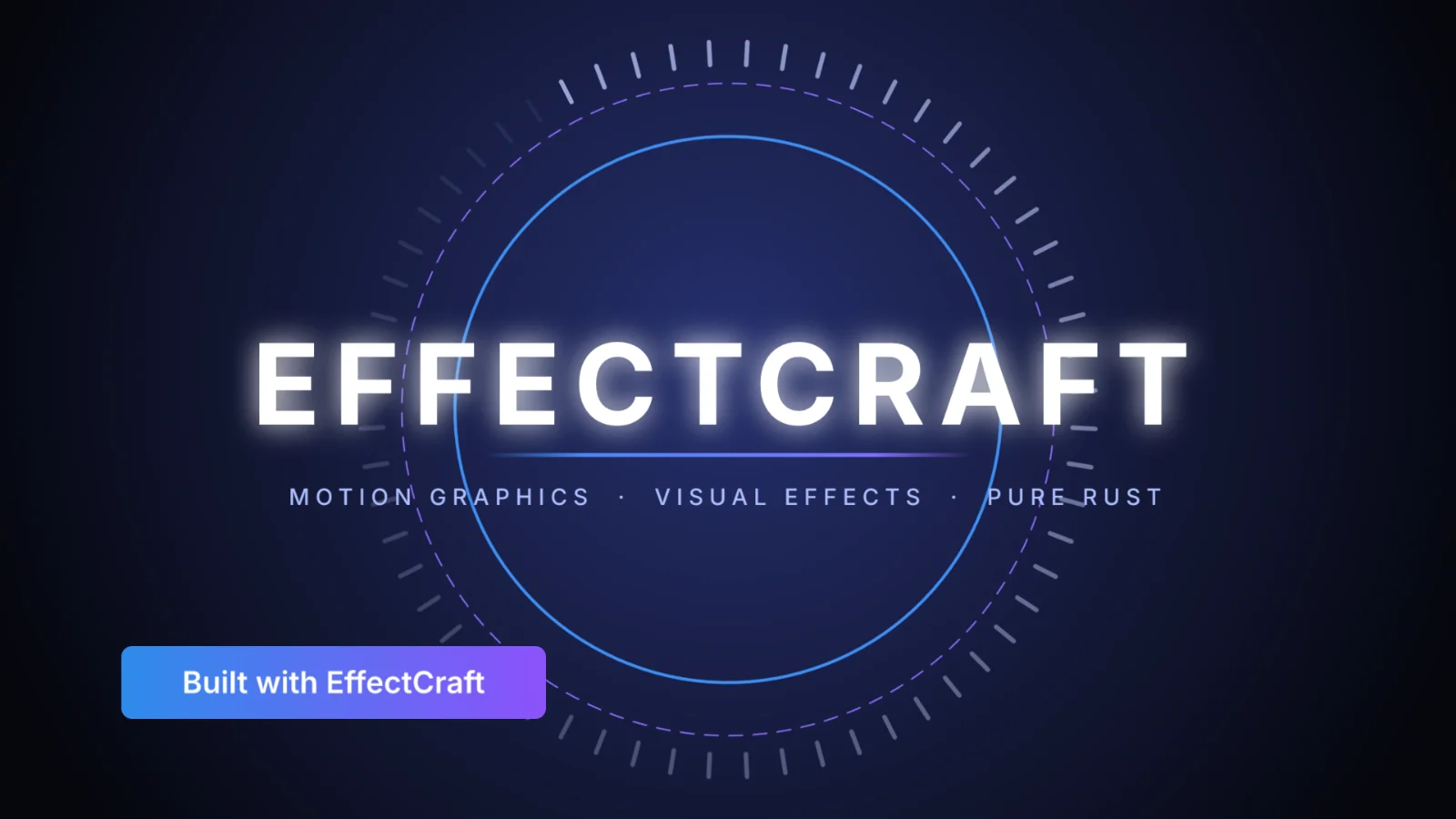
EffectCraft
Keyframes, 306 effects and Lottie export. The free After Effects alternative.
v0.17.0 · Online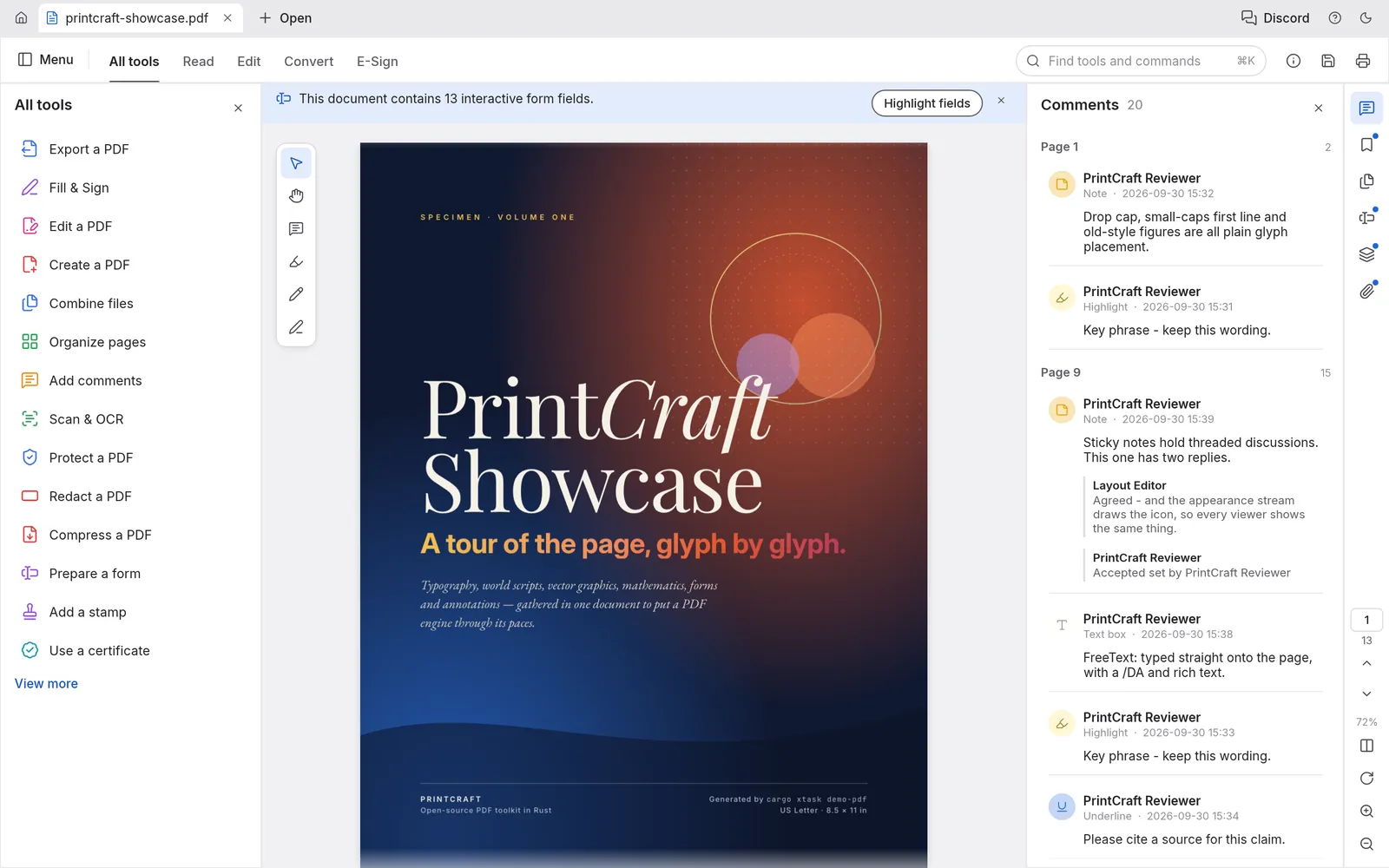
PdfCraft
Merge, redact, fill and sign without uploading. The free Acrobat alternative.
v0.14.0 · Online
Office, CAD and audio
Documents, sheets, slides, drawings and sound
Five apps for office files, CAD drawings and music, added in October 2026.
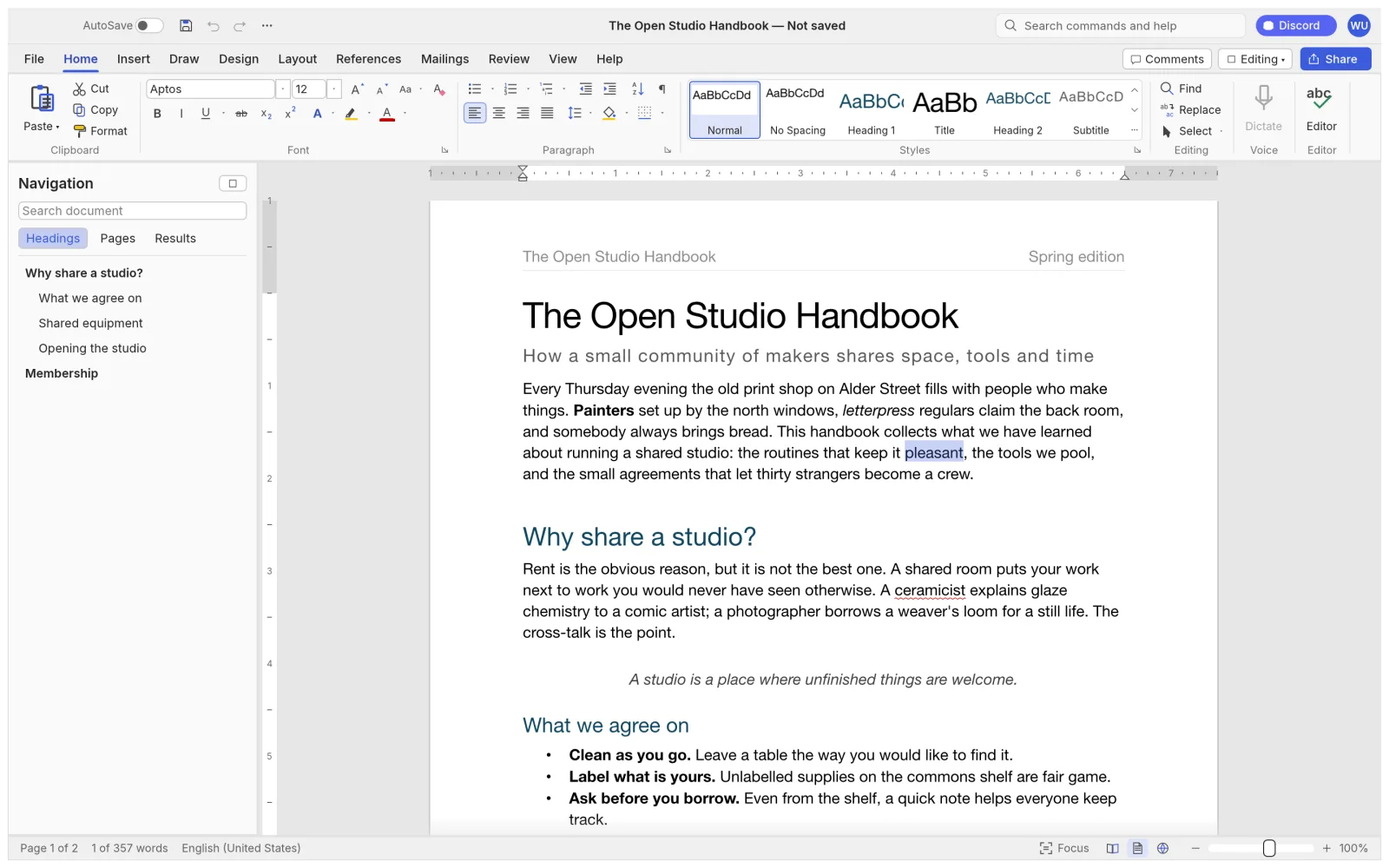
WordCraft
The Word ribbon, track changes and citations, with .docx in and out. The free Word alternative.
v0.11.0 · Online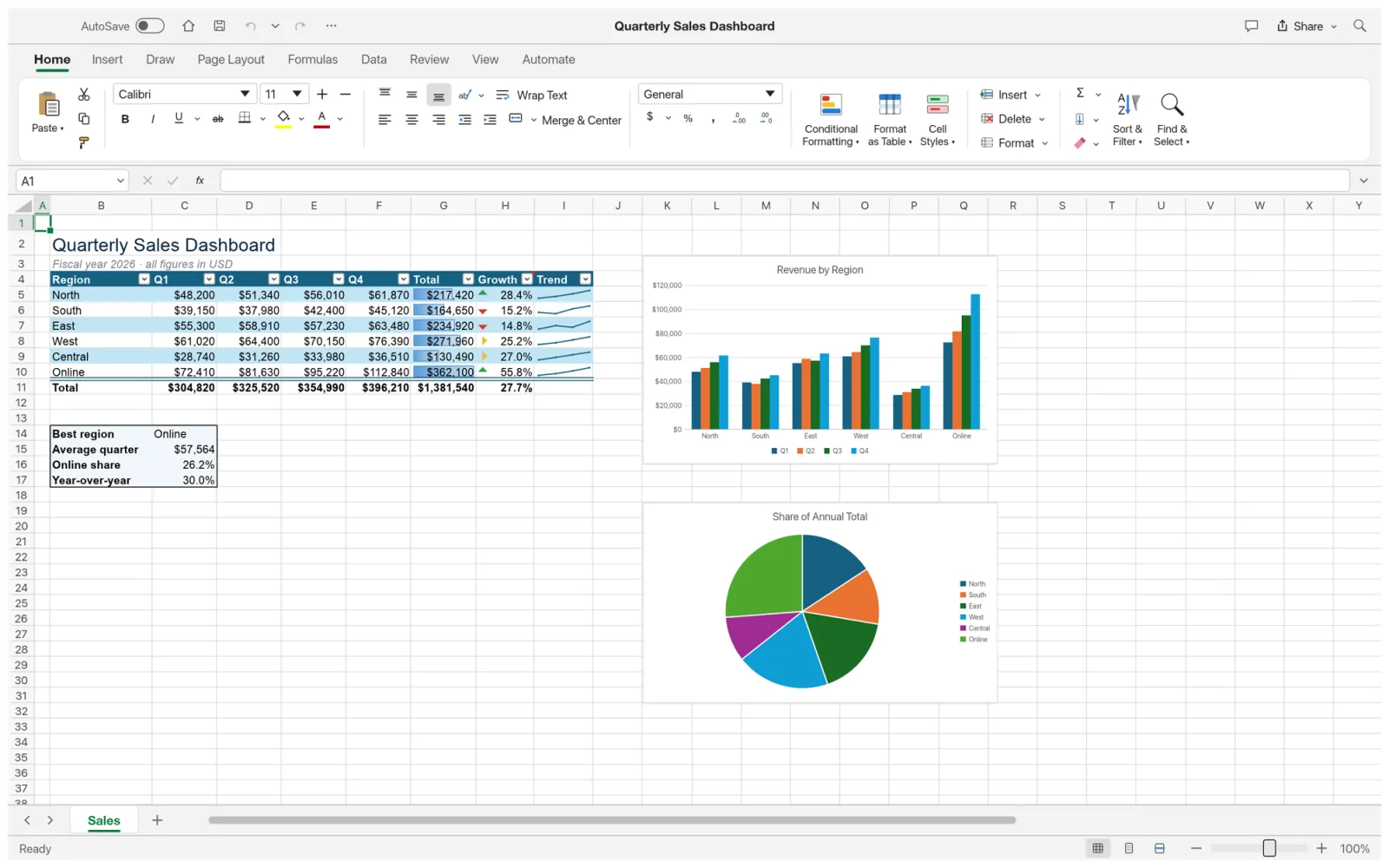
GridCraft
501 of Excel’s 523 functions, PivotTables and .xlsx files. The free Excel alternative.
v0.12.1 · Online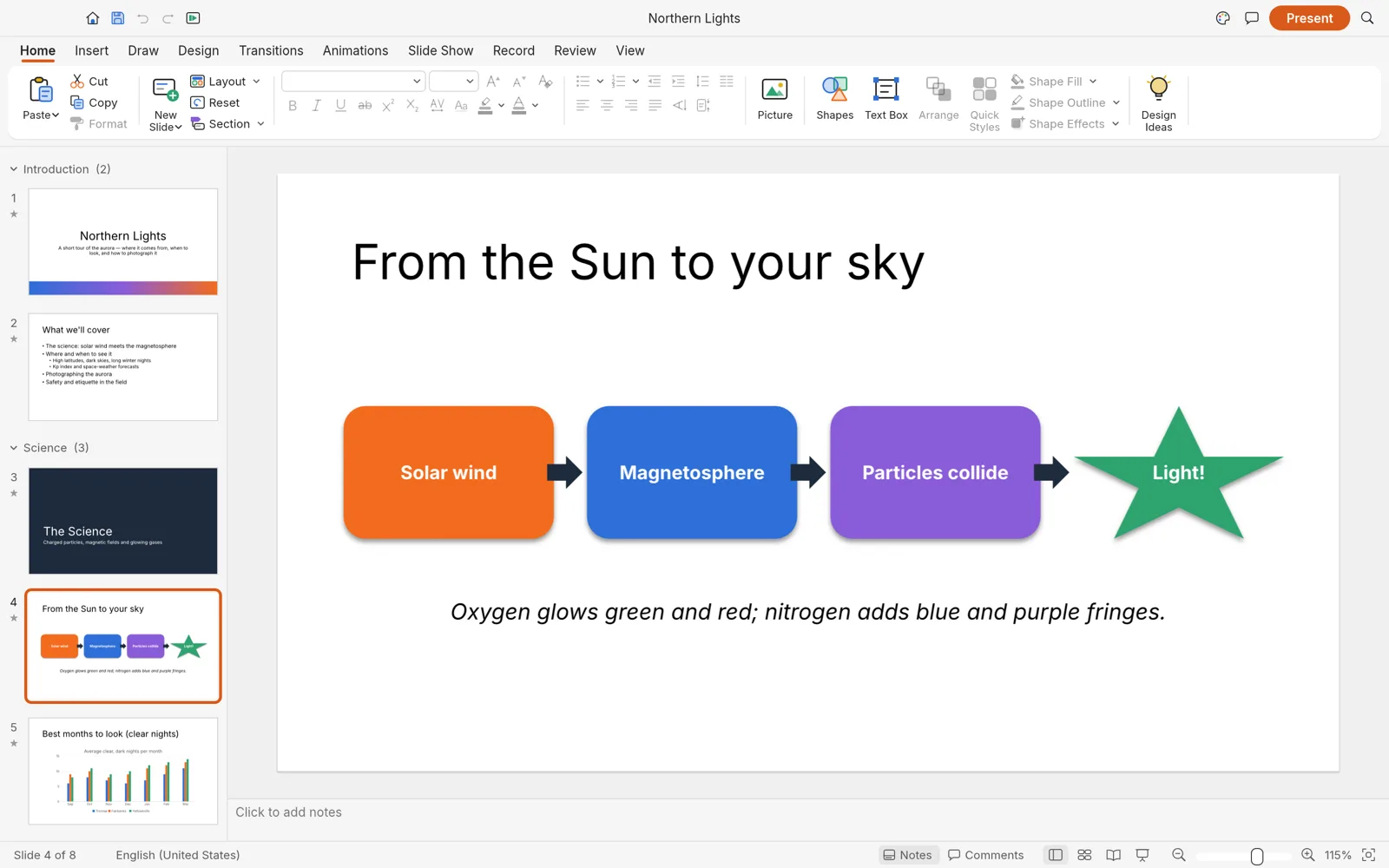
DeckCraft
Themes, Morph and presenter view, with .pptx in and out. The free PowerPoint alternative.
v0.11.1 · Online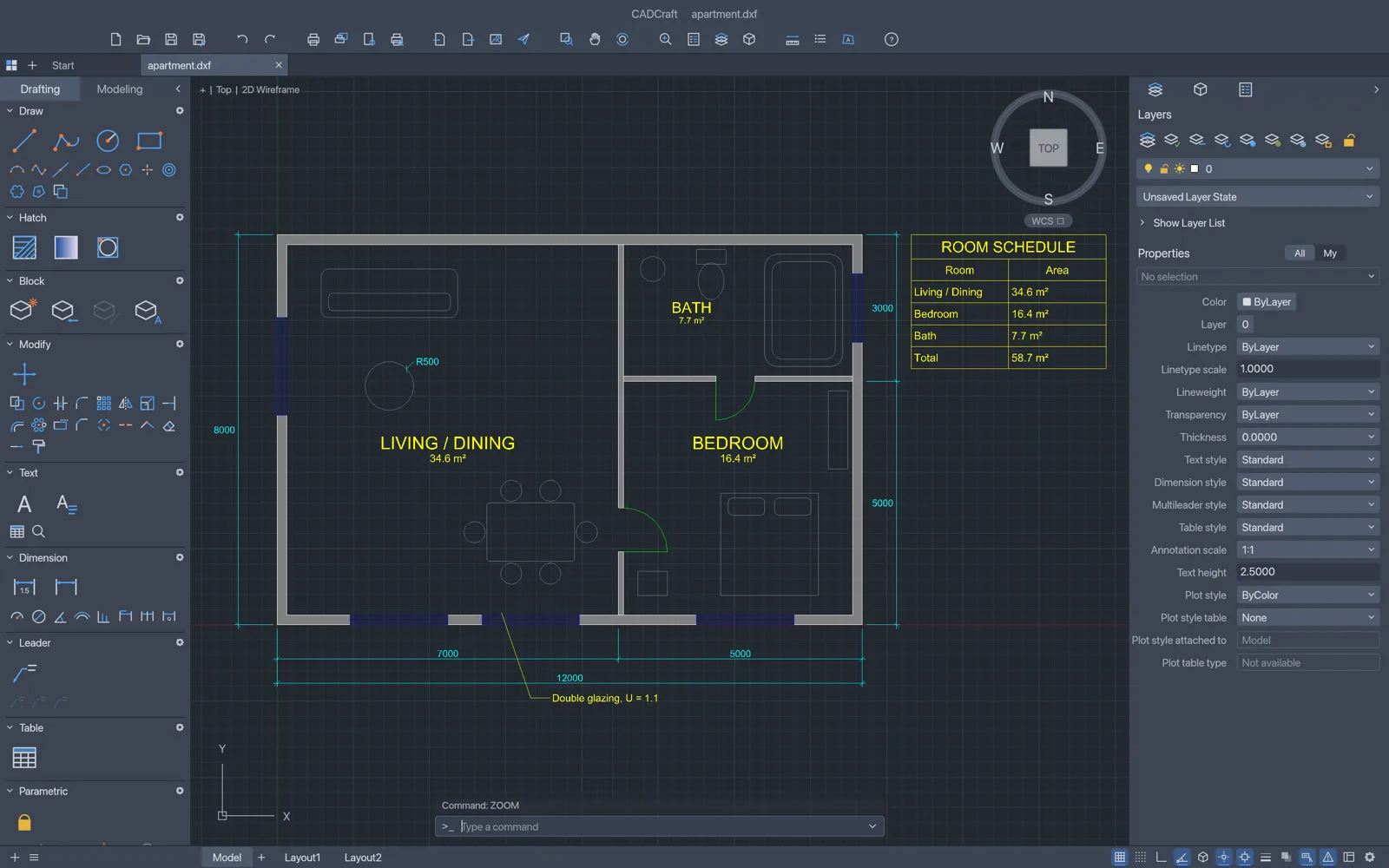
CADCraft
The AutoCAD command line, snaps and layers, for DWG and DXF. The free AutoCAD alternative.
v0.13.0 · Online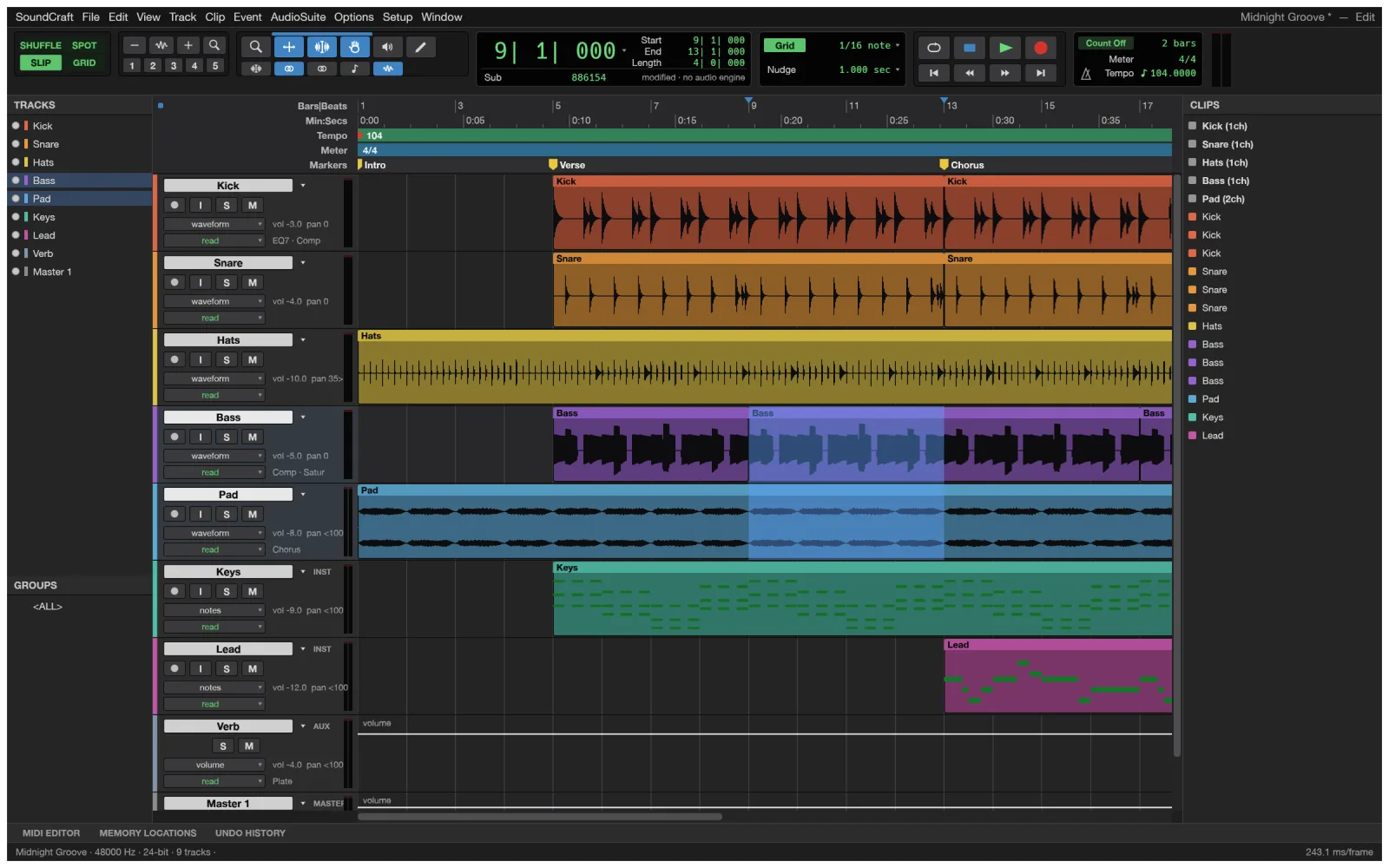
SoundCraft
Edit and Mix windows, MIDI and CLAP, VST3 and AU plugins. The free Pro Tools alternative.
v0.13.1 · Online
Which Crafting App replaces which paid app
| If you use | Try | What carries over | Open it |
|---|---|---|---|
| Photoshop | PhotoCraft | PSD files, layers, masks, adjustment layers | Online |
| Lightroom | LightCraft | Raw files, XMP sidecars and presets | Online |
| Illustrator | VectorCraft | AI, SVG and PDF files, Pathfinder | Online |
| InDesign | DesignCraft | IDML files, styles, threaded frames | Online |
| Figma | FigCraft | Auto layout, components, variables, prototypes | Online (blank canvas) |
| Premiere Pro | FilmCraft | Timelines via XML, AAF and EDL, the same shortcuts | Online |
| After Effects | EffectCraft | Keyframes, expressions, the 298 built-in effects | Online |
| Acrobat | PdfCraft | Combine, organize, redact, Fill & Sign | Online |
| Microsoft Word | WordCraft | .docx files, track changes, citations, mail merge | Online |
| Microsoft Excel | GridCraft | .xlsx files, 501 of 523 functions, PivotTables | Online |
| PowerPoint | DeckCraft | .pptx files, Morph, presenter view | Online |
| AutoCAD | CADCraft | DWG and DXF, the command line and its aliases | Online (DXF) |
| Pro Tools | SoundCraft | Edit and Mix windows, edit modes, shortcuts | Online (demo) |
Each app follows its counterpart's layout and shortcuts, so the switch is about learning where a few things moved. Some files are another matter: EffectCraft cannot open .aep, DesignCraft cannot open .indd, CADCraft opens DWG only in its desktop app for now, FigCraft online starts on a blank canvas and opens files only in its desktop app, and SoundCraft online plays a demo session rather than your own audio. Each app page lists what works and what does not.
To install several of them at once, ArtCraft Launcher installs and updates the apps from one window.
Free, open-source apps from the ArtCraft team, each written from scratch in Rust and each able to stand on its own: seven creative apps, an interface design app, three office apps, a CAD app and a DAW. Every one runs on Windows, macOS, Linux and in the browser.
Yes. All thirteen are free and open source under MIT or Apache-2.0, with no account and no subscription.
No. The online versions are the full apps compiled for the browser: files are opened, edited and saved on your computer.
They open on a phone, but they are desktop apps made for a mouse and a big screen. Use a computer for real work.
Use ArtCraft Launcher, the official installer from the ArtCraft team. It installs the right build of each app for your computer and keeps them up to date.
No. PhotoCraft Editor is an independent site that hosts the official web builds and links to the official downloads. The apps are made by the ArtCraft team at getartcraft.com.